Macro weather — User guide
Storms, solar eclipses, wildfires, and high-cadence EPIC bursts on the globe. Globe gestures still work; only one extension is on at a time.
Turn it on from Menu → Extensions → Macro weather. The corner icon (and E) cycles panels + overlay → overlay only → off. Double-click the icon to hide it. Help adds Macro weather gestures while it is on.
Turn it on
- Open the menu (corner button).
- Extensions → Macro weather.
- Wait for Loading events… to finish. Filters and the event strip appear if Extended UI is on (Settings, or the corner cycle).
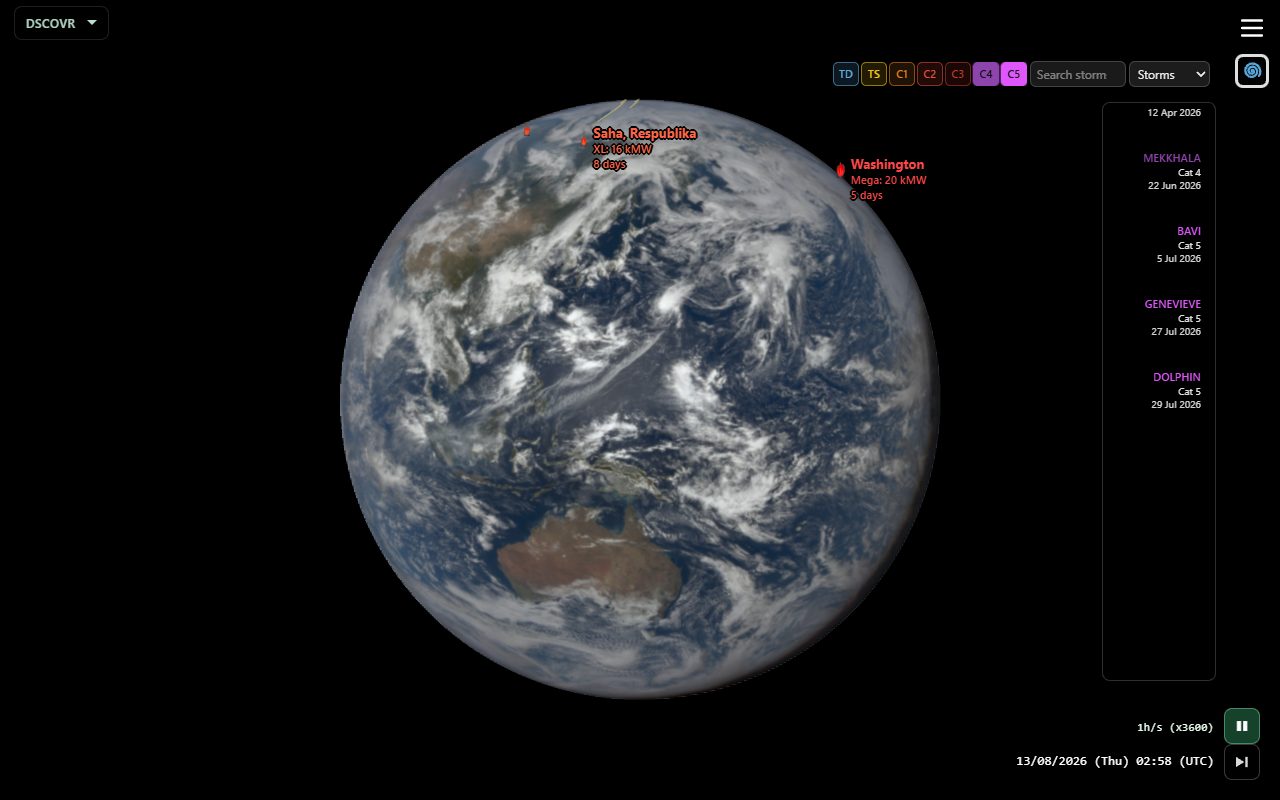
Shared links can turn Extended UI off so you land on the globe. Use E or Settings → Extended UI to bring the strip back. Globe overlays stay either way.
What’s on screen
| Area | What it does |
|---|---|
| Globe overlay | All categories that draw can appear together: storm tracks, eclipse paths, wildfire flames. Cadences have no overlay. |
| Category dropdown | Storms / Eclipses / Wildfires / Cadences. The strip shows only this category. |
| Search | Filter the strip by name. Typing search temporarily disables intensity chips. |
| Intensity chips | Limit which events are listed (and, for that category, which overlays of that type stand out). Defaults: storms C4+C5, eclipses Tot, wildfires Giga / Mega / XL. |
| Event strip | Horizontal cards (name, type, place, date). Drag or use the mouse wheel. |
| Analemma | Opposite the date while paused, or when a card is selected. Tints like the event name when a weather event is selected. |
Gestures
| Control | Action |
|---|---|
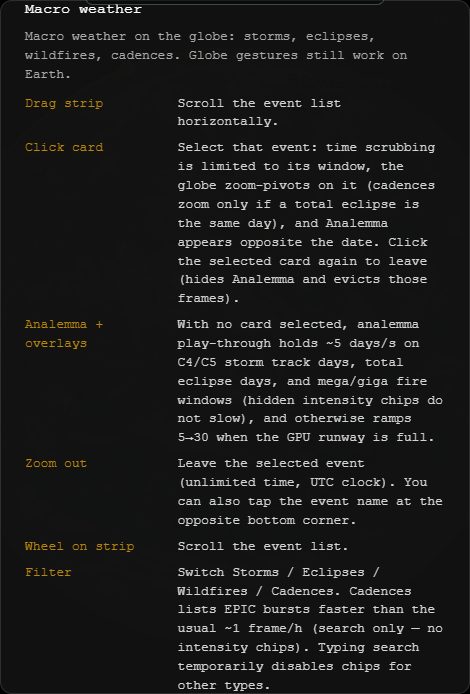
| Drag strip | Scroll the event list horizontally. |
| Wheel on strip | Same — scroll the list. |
| Click a card | Select that event: jump to its time, zoom-pivot on it (cadences zoom only if a total eclipse is the same day), limit time scrubbing to its window, keep the clock in UTC, show Analemma. Click the same card again to leave. |
| Zoom out | Leave the selected event (unlimited time, UTC clock). You can also tap the event name at the opposite bottom corner. |
| Analemma (no card) | Year play-through holds ~5 days/s on C4/C5 storm-track days, total eclipse days, and mega / giga fire windows (events hidden by chips do not slow). Otherwise ramps 5→30 days/s when the GPU runway is full. |
| Analemma (card selected) | Plays that event’s days at ~10 days/s once frames are GPU-ready. |
Storms
IBTrACS tropical cyclones. Default chips: C4 and C5.
| Chip | Meaning |
|---|---|
| C5 … C1 | Saffir–Simpson hurricane categories (C5 strongest). |
| TS | Tropical storm |
| TD | Tropical depression |
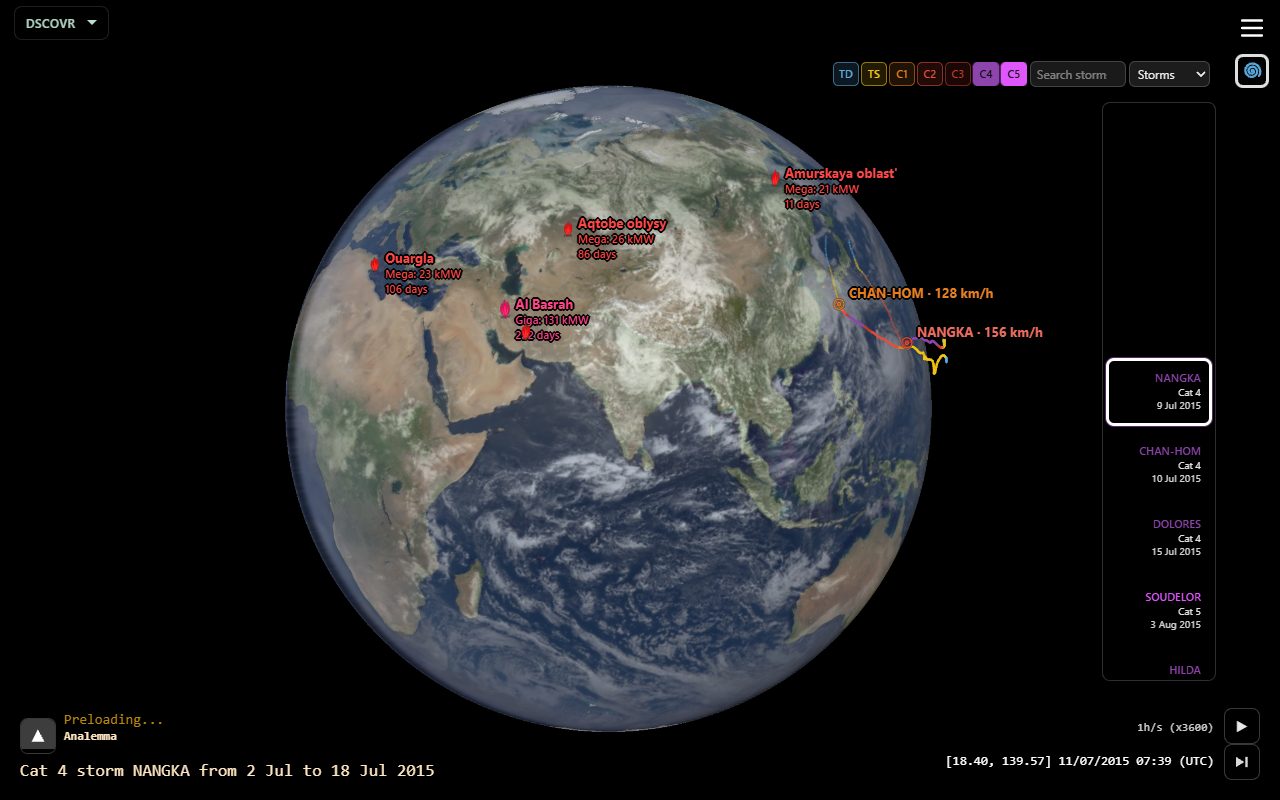
The globe shows tracks and an eye marker when the storm is in view. Click a card to follow that storm’s days.
Eclipses
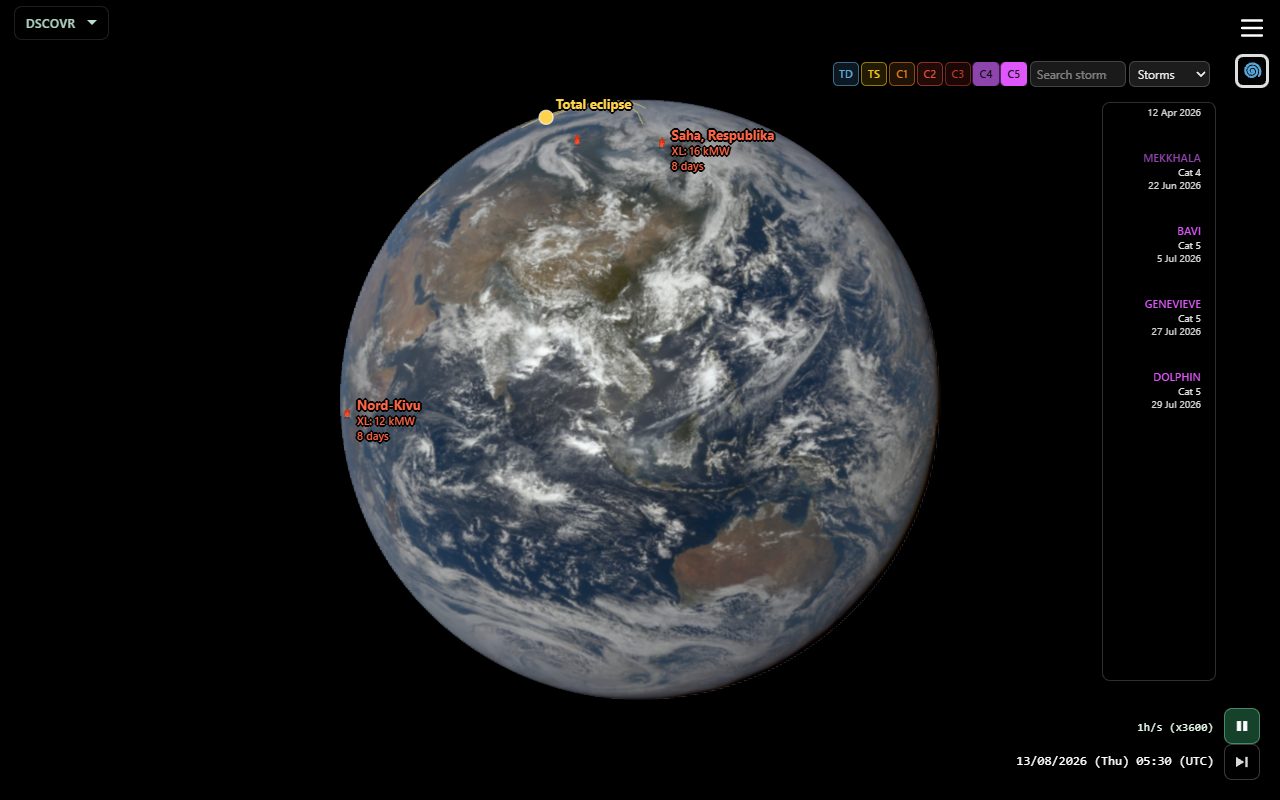
NASA solar eclipse paths and umbra. Default chip: Tot.
| Chip | Meaning |
|---|---|
| Tot | Total |
| Ann | Annular |
| Hyb | Hybrid |
| Par | Partial |
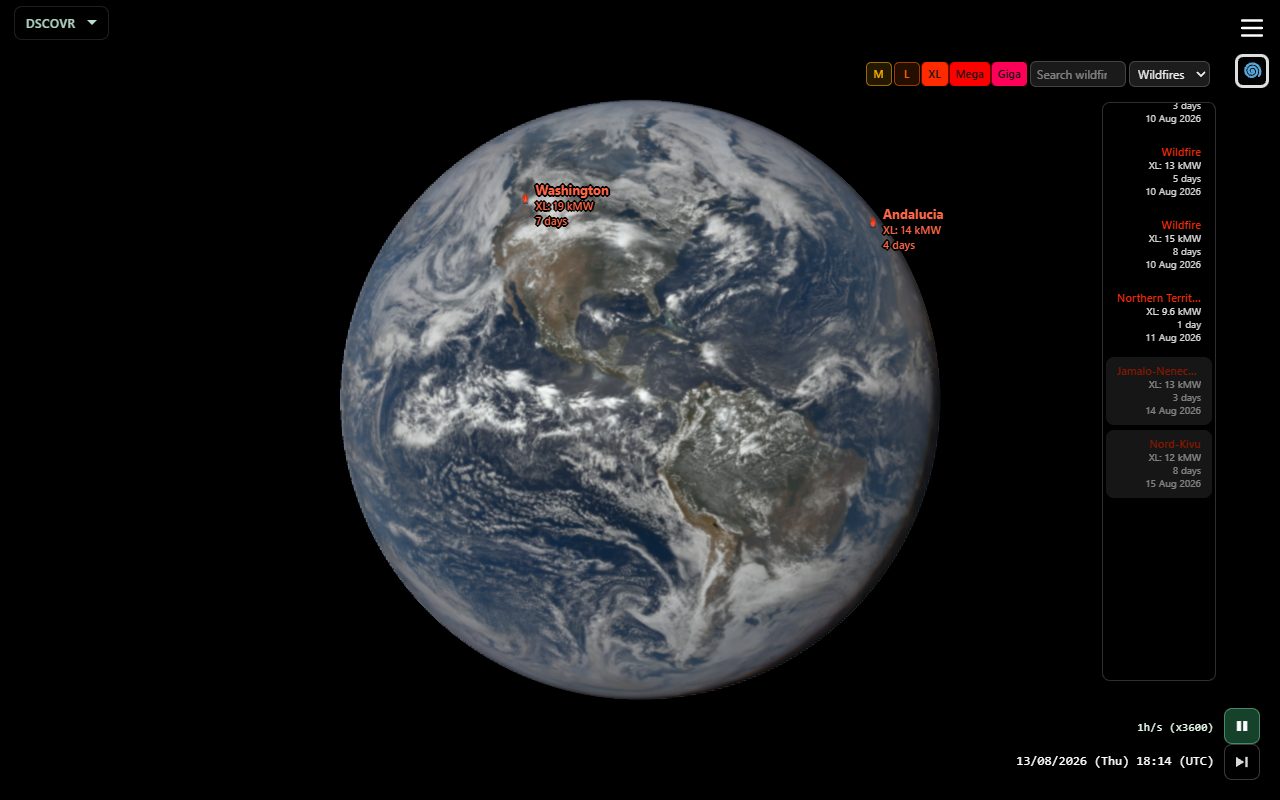
Wildfires
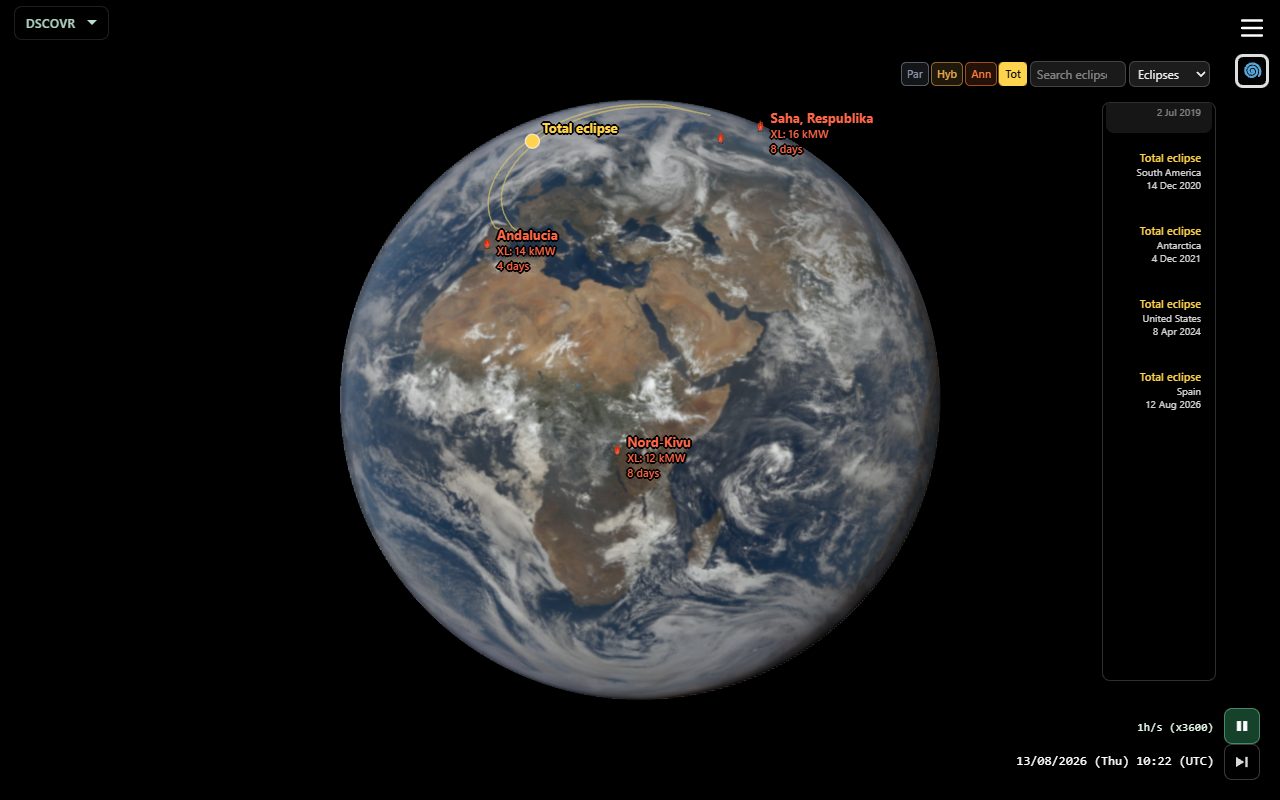
NASA FIRMS / clustered VIIRS hotspots. Flames on the globe; size from total fire radiative power. Default chips: Giga, Mega, XL.
| Chip | Meaning |
|---|---|
| Giga | Extreme complexes (FRP ≥ 50 GW) |
| Mega | Regional-scale (FRP ≥ 20 GW) |
| XL / L / M | Extreme / large / medium (FRP ≥ 8000 / 2500 / 800 MW) |
Chips also limit which fires are drawn on the globe.
Cadences
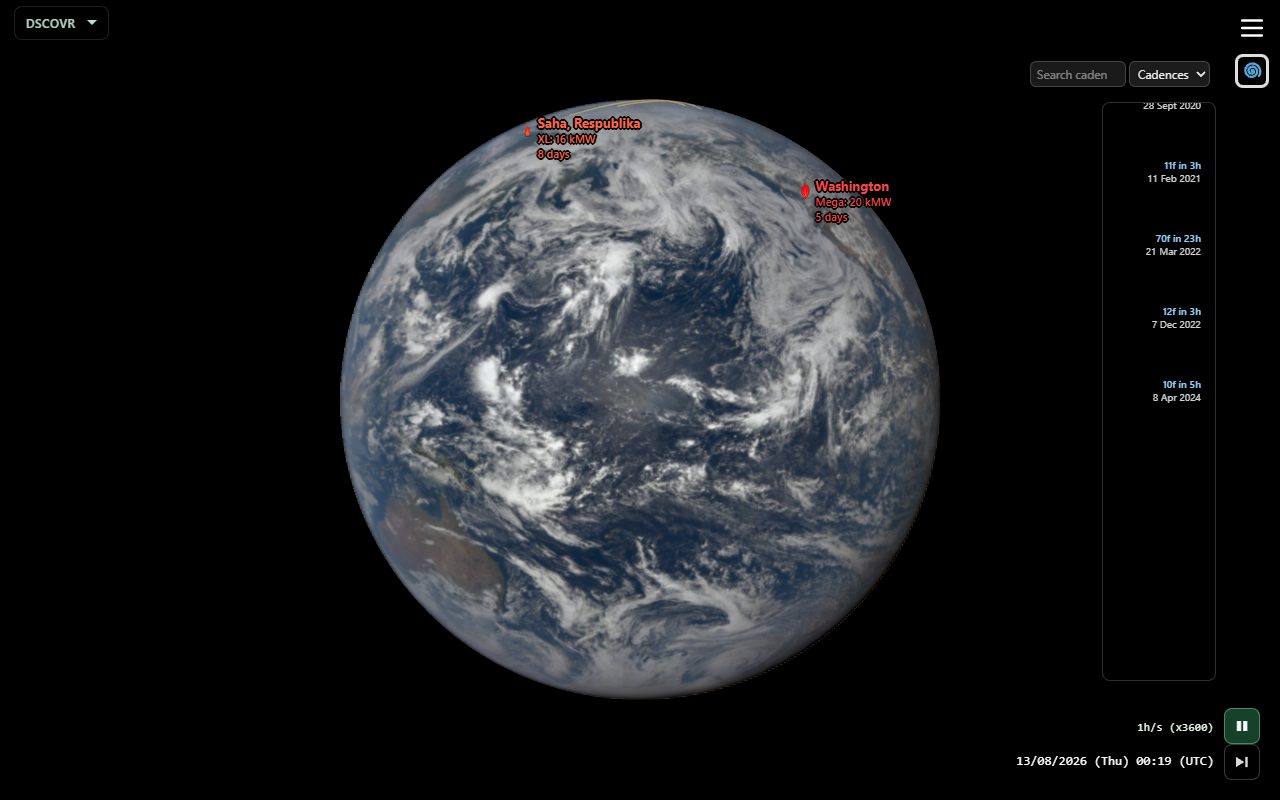
Exceptional EPIC frame density — eclipse days and special NASA campaigns, faster than the usual ~1 frame per hour. No intensity chips and no globe overlay; search only. Click a card to jump into that burst window.
Selected event
With a card selected:
- Time scrubbing stays inside the event window.
- Analemma plays those days (clock stays UTC).
- Zoom-pivot follows the event (storm / fire / eclipse location).
- Click the card again, zoom out, or tap the event name to unselect — Analemma hides and those preloaded frames are evicted.
Share
Share while Macro weather is on includes the extension and, if a card is selected, that event. Recipients open the same moment (and selection). Shared links turn Extended UI and view info off.
Tips
- Overlay is additive (storms + eclipses + fires can show at once); the strip is one category at a time.
- Open Help with Macro weather on for the live gesture list.